Picture a school principal who has just paid a developer KES 80,000 to build a fee payment app. 'It looks beautiful,' he says. 'But when parents try to pay, nothing happens. The developer says M-Pesa integration is extra, another KES 120,000.'
This is a common story. Adding M-Pesa to an app is not a checkbox. It is a process with technical steps, business rules, and real costs that many developers do not explain up front.
It Starts with a Safaricom Business Account, Not Code
Before a single line of code is written, you need approval from Safaricom. This is the part that surprises most people.
- You must have a registered business or organization with a certificate of incorporation (for companies) or registration certificate (for schools, NGOs).
- You open a Safaricom Business Till or PayBill number. This is where the money will go. For a school collecting fees, a PayBill is standard.
- You then apply for API access through the Safaricom Daraja portal. This involves submitting your business documents and describing your app's purpose.
This approval can take from a few days to a couple of weeks. You cannot test real payments until it is done.
The Two Ways Money Moves: STK Push vs C2B
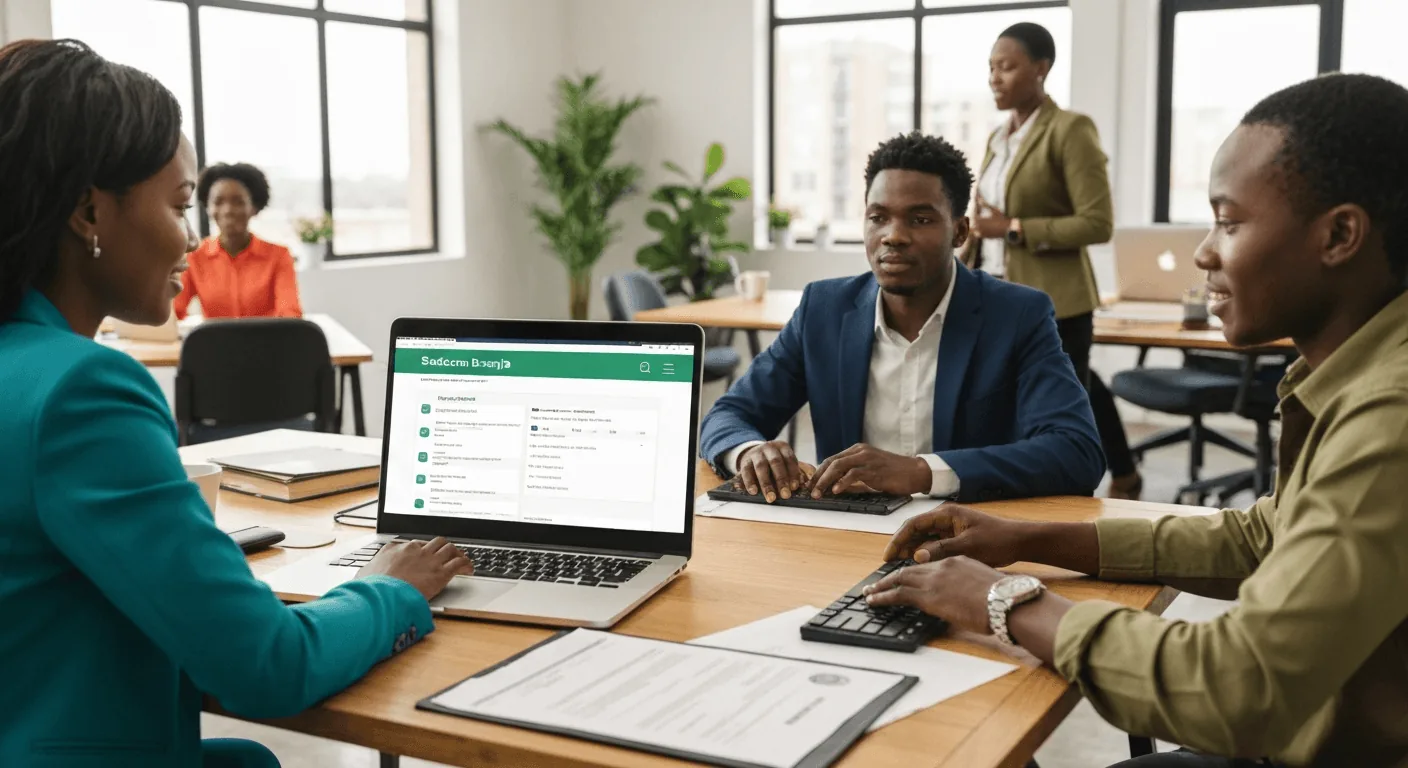
There are two main technical methods, and the choice affects user experience and cost.
STK Push is what most people think of. The app sends a request to Safaricom, and a payment prompt pops up on the user's phone. They enter their PIN and the payment is done. It is smooth for the user. The Daraja API itself is free to use, but every payment attracts Safaricom's Lipa na M-Pesa merchant tariff, a percentage of the amount that depends on your PayBill or Till agreement. Confirm the current rate with Safaricom before you budget.
C2B (Customer to Business) is older but still useful. The user manually enters your PayBill number and account number (like a student admission number) in their M-Pesa menu. Your app then uses another API to check if payment has arrived. The merchant tariff still applies, but there is no prompt to build and no extra step for your app to trigger. The downside? It pulls the user out of your app, which increases the chance they get distracted and do not complete the payment.
Free API, paid transactions: Safaricom does not charge for Daraja API access or sandbox testing. What you pay is the Lipa na M-Pesa merchant tariff on each successful payment, set by your PayBill or Till agreement.
For a school with 500 students paying fees each term, that tariff adds up. Not huge per payment, but a real operating expense that must be budgeted for.
The Hidden Work: Reconciling Payments
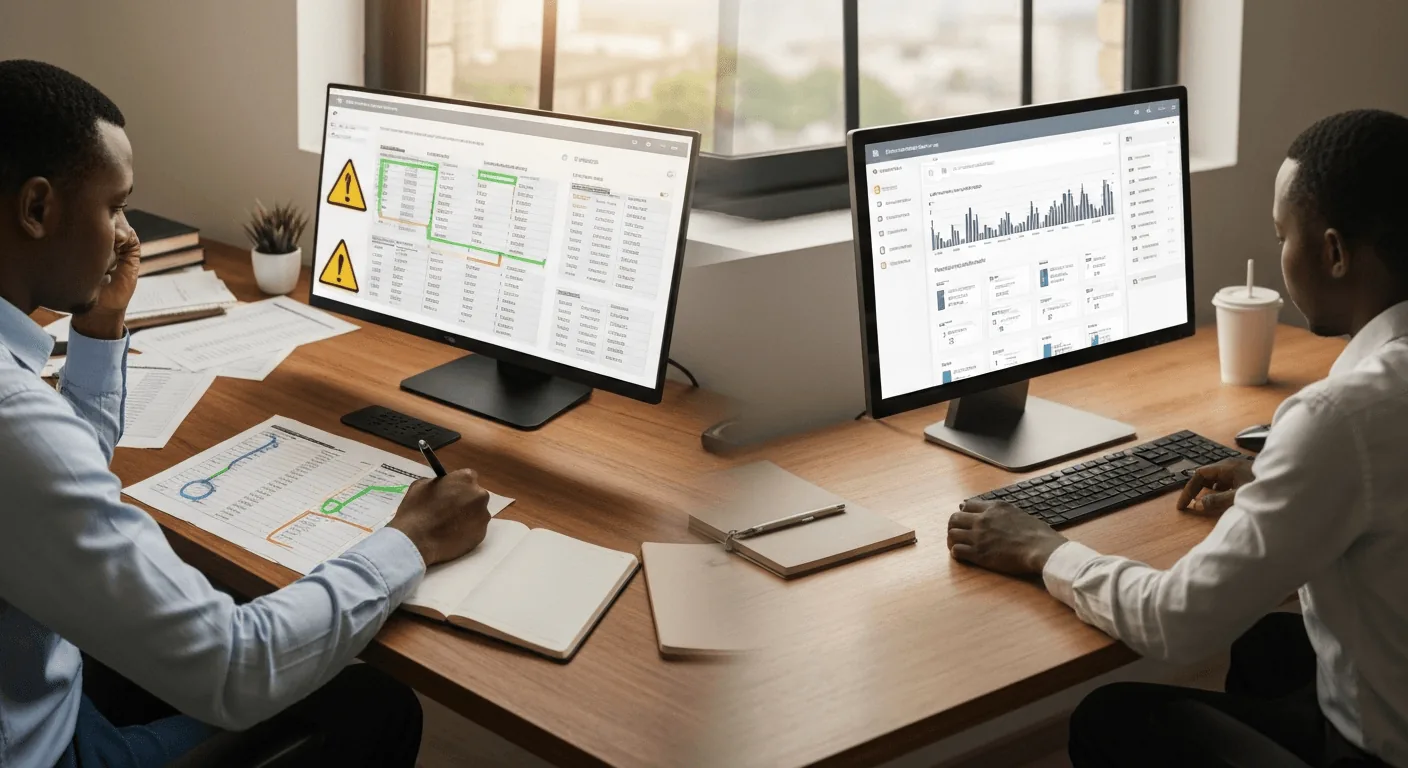
Getting the payment is only half the job. The other half is knowing what it was for. When money hits your PayBill, you get a transaction code. Your app must reliably match that code to the right user and the right invoice in your system.
The classic failure looks like this: the app accepts payments but lists them in one big pot. The finance officer then spends hours each week calling payers to ask, 'Was this for the lab tests or the consultation?'
A good integration does this automatically. When a parent pays KES 15,000 for Term 2 fees for student #123, your system should immediately mark that invoice as paid and send a receipt. This requires careful design from the start.
A Realistic Look at Cost and Time
If a developer gives you a quote for 'an app with M-Pesa,' ask them to break it down. The core app and the payment integration are two different pieces of work.
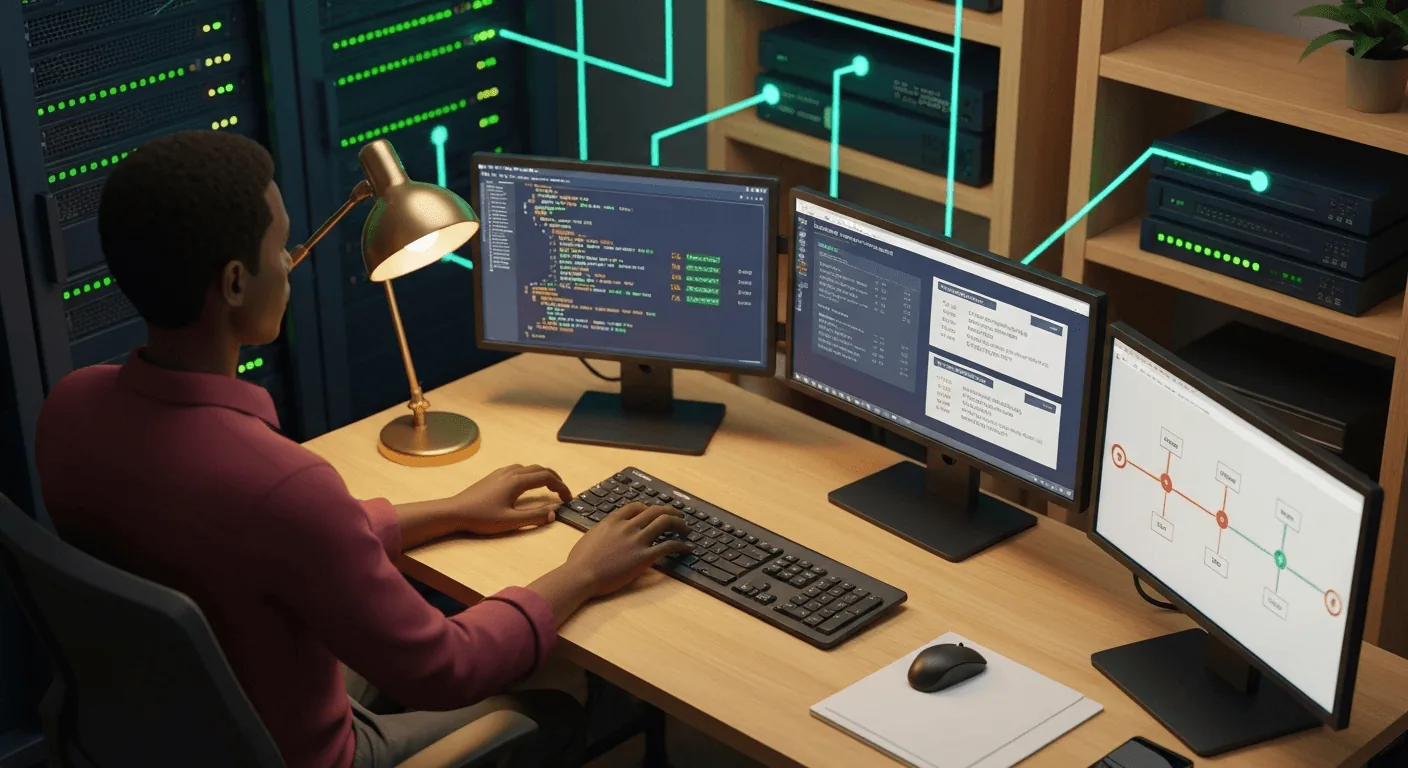
- API Integration: This is the technical work of connecting to Safaricom's systems, handling the payment flow, and securing the communication. For a standard integration, a competent developer needs 5-10 working days.
- Business Logic: This is the custom work for your needs, linking payments to student accounts, updating fee balances, generating receipts. This depends entirely on how complex your system is. A simple one might take a week; a complex one for a hospital with different departments could take a month.
- Testing & Safaricom Approval: Budget at least another week for rigorous testing with real money (in small amounts!) and for the final Safaricom approval process.
A fair budget for a solid, well-integrated M-Pesa system in an existing app starts from around KES 80,000 and goes up based on complexity. If a quote seems too good to be true, it probably means they are cutting corners on security or reconciliation.
What to Do Before You Talk to a Developer
1. Get your Safaricom PayBill/Till number. Do this yourself at a Safaricom Service Centre. It establishes your business identity for the process.
2. Map out your payment scenarios on paper. 'A parent pays full fees.' 'A patient pays for a drug prescription.' 'A donor makes a one-time donation.' Write down what information you need to identify each payment.
3. Ask the developer specific questions: 'Will you use STK Push or C2B?' 'How will payments be matched to accounts?' 'Can you show me a test transaction from start to receipt?' 'What is your plan for handling failed transactions?'
Adding M-Pesa is not magic, but it is also not mysterious. It is a set of technical and business steps. When done right, it turns your app from a display tool into a real working system that collects money and saves your staff time. The goal is not just to have a 'Pay with M-Pesa' button, but to have that button work reliably and make your financial tracking simpler, not harder.
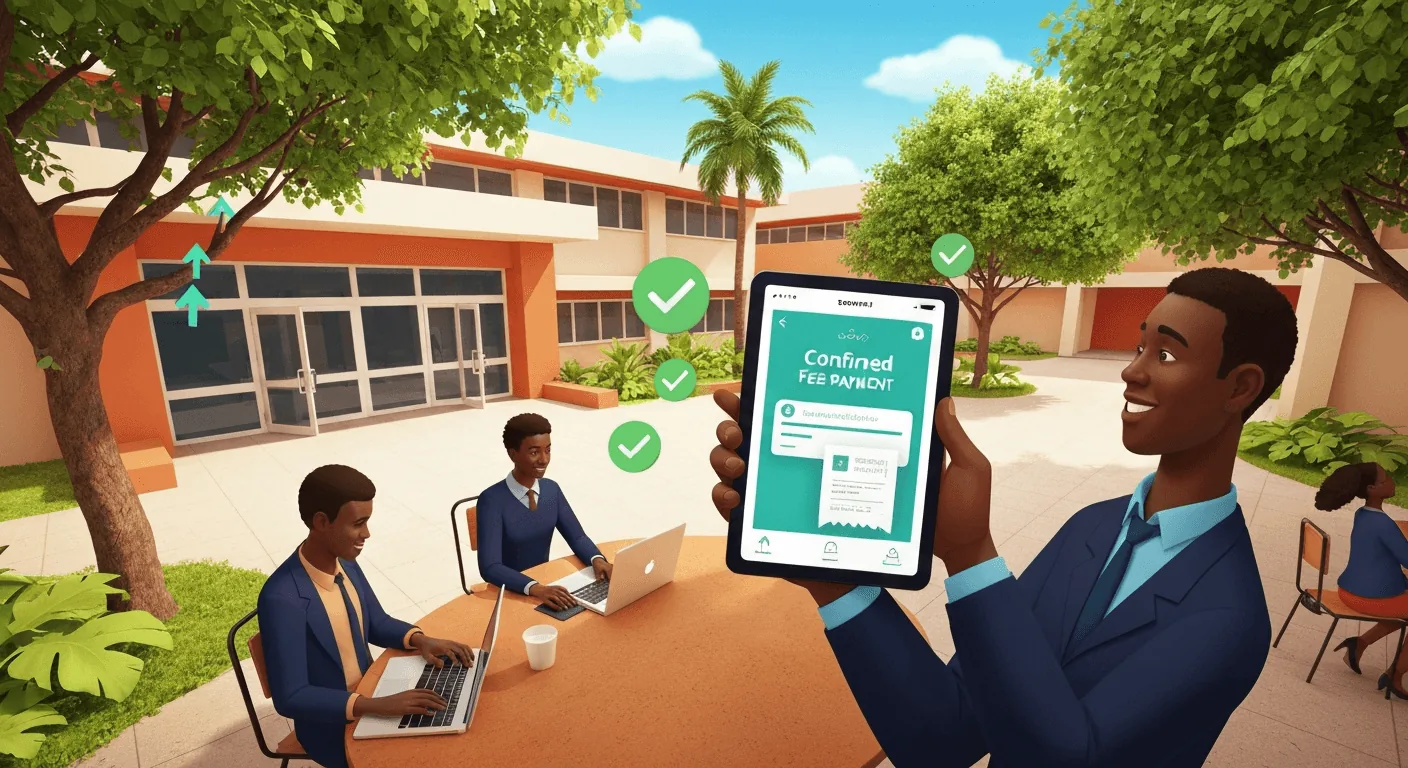
The next time you discuss your app, move past 'Can we add M-Pesa?' and ask 'How will we handle the payment, the reconciliation, and the cost?' That is the conversation that leads to something that actually works on Monday morning.
Want to see what this looks like for your organization?
Talk to Us on WhatsApp