Picture a Monday morning at a secondary school in Nakuru. The accounts office receives a queue of parents holding cash for school fees. The administrator spends hours counting, recording in a ledger, issuing receipts, and preparing a bank deposit slip. By Wednesday, the cash is at the bank. This manual process, repeated across thousands of Kenyan institutions, creates security risks, accounting delays, and unnecessary administrative burden. Meanwhile, those same parents use M-Pesa to pay for electricity, shopping, and airtime in seconds from their phones.
The Problem: Manual Payment Collection is Inefficient and Risky
For Kenyan schools, hospitals, NGOs, and SMEs, collecting payments is a core operational function. Whether it's school fees in Kiambu, hospital bills in Kisumu, or donation drives in Mombasa, the default method is often manual: cash over the counter, bank deposit slips sent via WhatsApp, or M-Pesa paybill numbers announced in meetings. This fragments the process. The finance team must reconcile payments from multiple sources, M-Pesa statements, bank slips, and cash receipts, against their own records. A single payment for 'Form 2 Tuition' might come in with the wrong reference, requiring a phone call to identify the payer.
The risks are tangible. Handling large amounts of cash invites security concerns, especially for schools collecting term fees. Manual reconciliation is prone to human error, leading to disputes with parents or donors. Most critically, there is a delay between when a payment is made and when it is confirmed and recorded in the organization's system. A parent may pay via M-Pesa on Sunday evening, but the school only sees it on the Safaricom statement downloaded on Monday afternoon, delaying the issuance of a receipt or the activation of a student's portal access.

According to the Communications Authority of Kenya, mobile money transactions hit KES 8.2 trillion in 2023. Kenyans are digitally fluent, yet many institutions have not connected this national payment behavior to their own digital front door, their website. A website that only provides information but cannot transact is like a shop with a beautiful sign but a locked door.
The Cost of Disconnected Payments
The financial impact is measurable. Consider a mid-sized private school in Thika with 400 students. If the accounts clerk spends 3 hours per day managing and reconciling payments, that's 15 hours a week. At a conservative rate, that's over KES 45,000 in administrative labor cost per term, not accounting for the principal's or bursar's time spent resolving payment queries. More significantly, payment friction can delay revenue. A parent intending to pay fees online who finds no option may postpone the payment for days until they can visit the school, directly affecting cash flow.
Beyond direct costs, there are opportunity costs. A hospital in Eldoret without online bill payment may see longer discharge times as families scramble for cash. An NGO running an online fundraiser misses instant donations because supporters must leave the website to use M-Pesa separately. The lack of integration creates a disjointed experience that erodes trust and professionalism. In an era where Kenyans expect seamless digital services from every sector, manual payment processes make an organization appear outdated.
KES 45,000+: Illustrative estimate of administrative labour cost per term for a 400-student school manually reconciling cash and M-Pesa payments, excluding lost productivity from payment delays and queries.
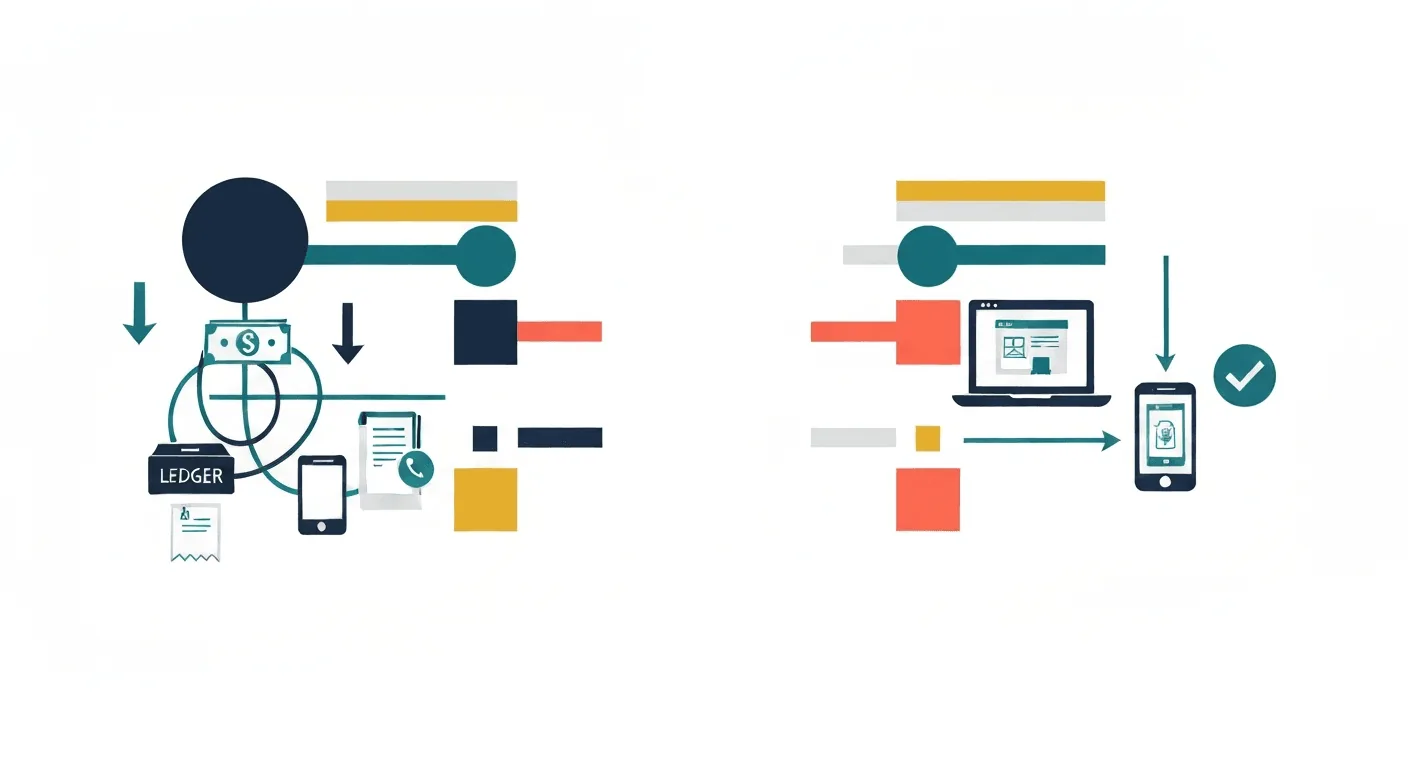
5 Steps to Integrate M-Pesa into Your Website
1. Choose the Right M-Pesa Integration Method
Not all M-Pesa integrations are the same. For Kenyan organizations, you typically have two technical paths. The first is using the official Safaricom Daraja API. This is the direct, powerful method that allows you to initiate and receive payments programmatically. It's suitable for organizations that need to generate unique transaction references for each payer (like a student admission number) and require real-time confirmation. The second method is using a certified third-party payment gateway that already has M-Pesa integrated. These gateways handle the Daraja API complexity for you, providing simpler 'plug-in' tools for your website, often for a small per-transaction fee.
The choice depends on your technical capacity, transaction volume, and need for customization. A large hospital with a custom patient management system will likely need the direct Daraja API. A small NGO running a WordPress site for donations might opt for a gateway plugin. The critical first step is to consult with your web developer to assess which path aligns with your website's architecture and your operational needs.
2. Prepare Your Business and Safaricom Documentation
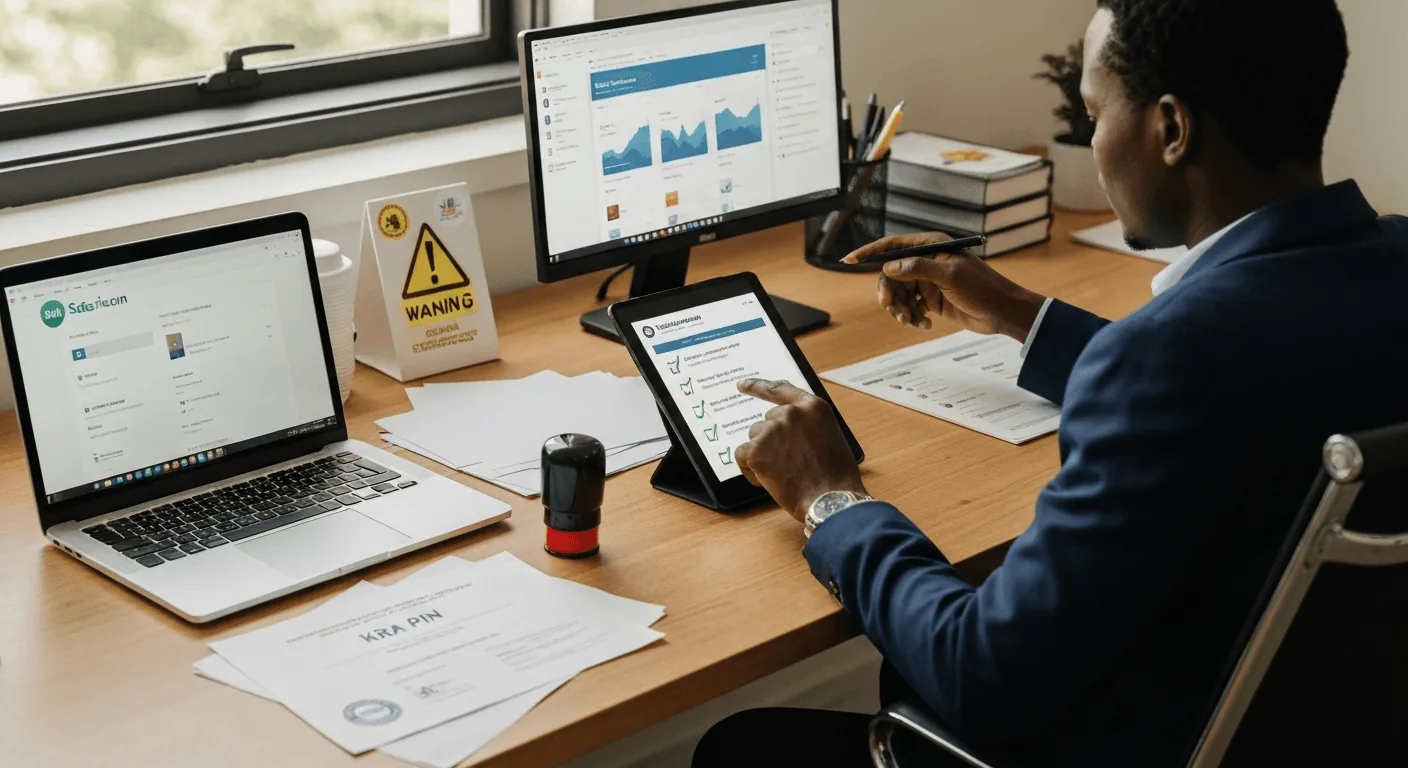
Integration requires formal approval from Safaricom. You will need a registered business name (like your school's board of management or NGO's certificate of registration), a KRA PIN certificate, and official contact details. If you don't already have one, you will need to apply for a PayBill or Till Number. A PayBill number is more professional for organizations as it allows customers to enter a unique account number (like a student ID). This step is non-technical but crucial; gather your certificate of incorporation, minutes from your board authorizing the application, and ID copies of the signatories.
3. Design a Secure and User-Friendly Payment Flow
The user experience on your website is paramount. The payment button or page must be clear, instructing the payer exactly what to do. A good flow is: 1) User selects an item (e.g., 'Term 1 Fees - Form 3'), 2) Enters their phone number, 3) Clicks 'Pay via M-Pesa', 4) Receives a prompt on their phone to enter their PIN, 5) Sees a confirmation screen on your website with a transaction code. The entire process should happen without leaving your website. Security is critical: your website must use HTTPS (the padlock icon in the browser), and no sensitive financial data should be stored on your server. The transaction happens securely between Safaricom and the user's phone.
4. Integrate Payment Confirmation with Your Backend System
This is where the real efficiency is unlocked. A successful payment should automatically update your records. For a school, this means the student's fee balance in the school management system is updated instantly, and a receipt is generated. For a hospital, a patient's bill is marked as paid, enabling discharge. This requires your website's payment module to 'talk' to your database or management software. Using the Daraja API's confirmation webhook, your system can be notified the moment Safaricom completes a transaction. This eliminates the manual download-and-reconcile step, ensuring your data is always current and accurate.
5. Test Thoroughly and Launch with Clear Communication
Before going live, conduct exhaustive tests using the Safaricom sandbox environment (a test mode for developers). Make test payments of KES 1 to ensure the flow works end-to-end, from the website click to the database update. Once verified, launch the feature. Communicate this new capability clearly to your stakeholders, send an SMS to parents, email your donors, post on social media, and train your staff. Explain the benefits: faster receipts, 24/7 payment ability, and reduced need to carry cash. Be prepared to support users through the first few transactions.
What a Working Integration Looks Like
Take a school that already has a PayBill number. Parents pay at random times with inconsistent references, so the accounts office spends afternoons matching a printed M-Pesa statement to student names. During peak enrollment that backlog stretches for days, delaying the official receipts parents need.
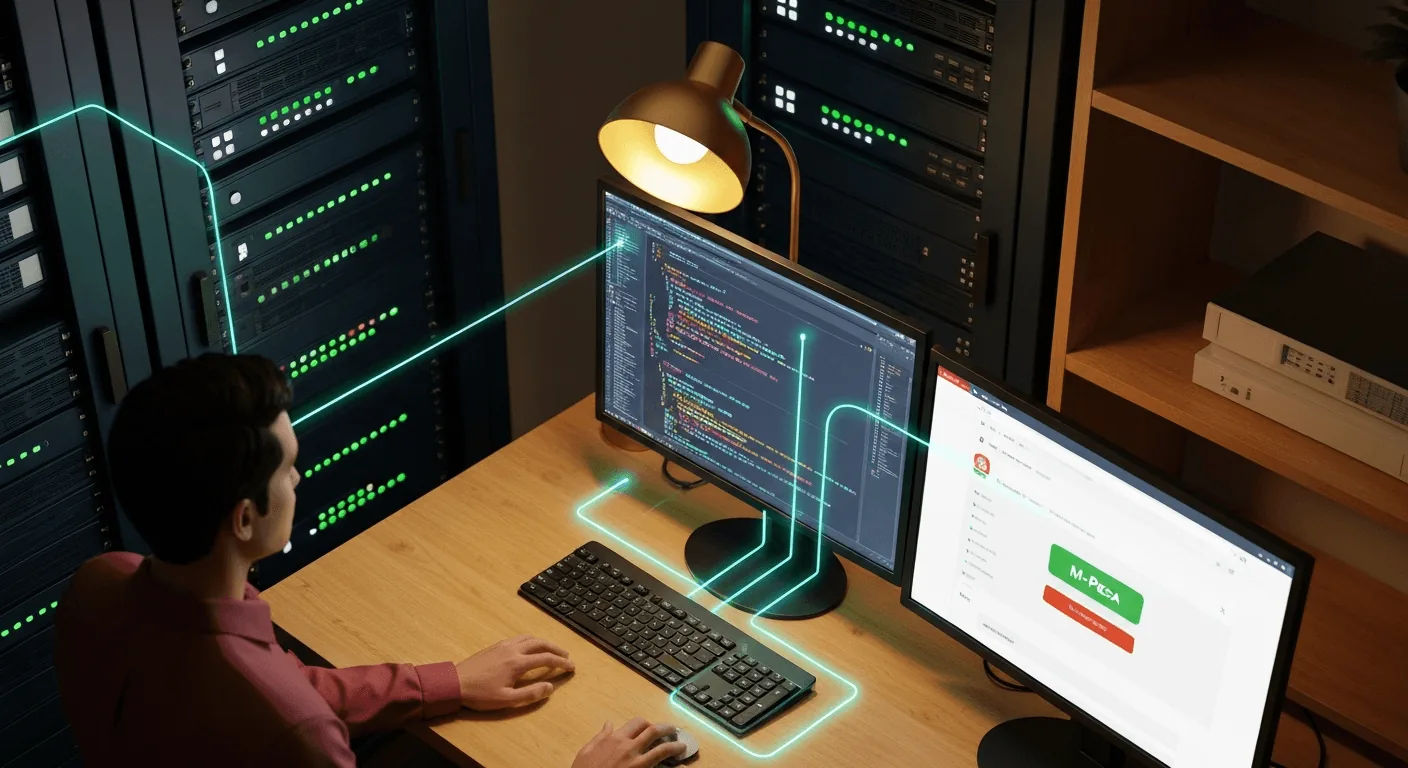
A proper integration fixes this at the source. The school website shows each parent a fee statement with a 'Pay Now' button. The Daraja API generates a unique transaction reference for every payment attempt, so there is nothing for the parent to type wrong. When Safaricom confirms the payment, the callback updates the school's database, the fee balance changes, and a PDF receipt is generated. Reconciliation stops being a job. This is the same pattern we use in our own payment systems at KEPAS.
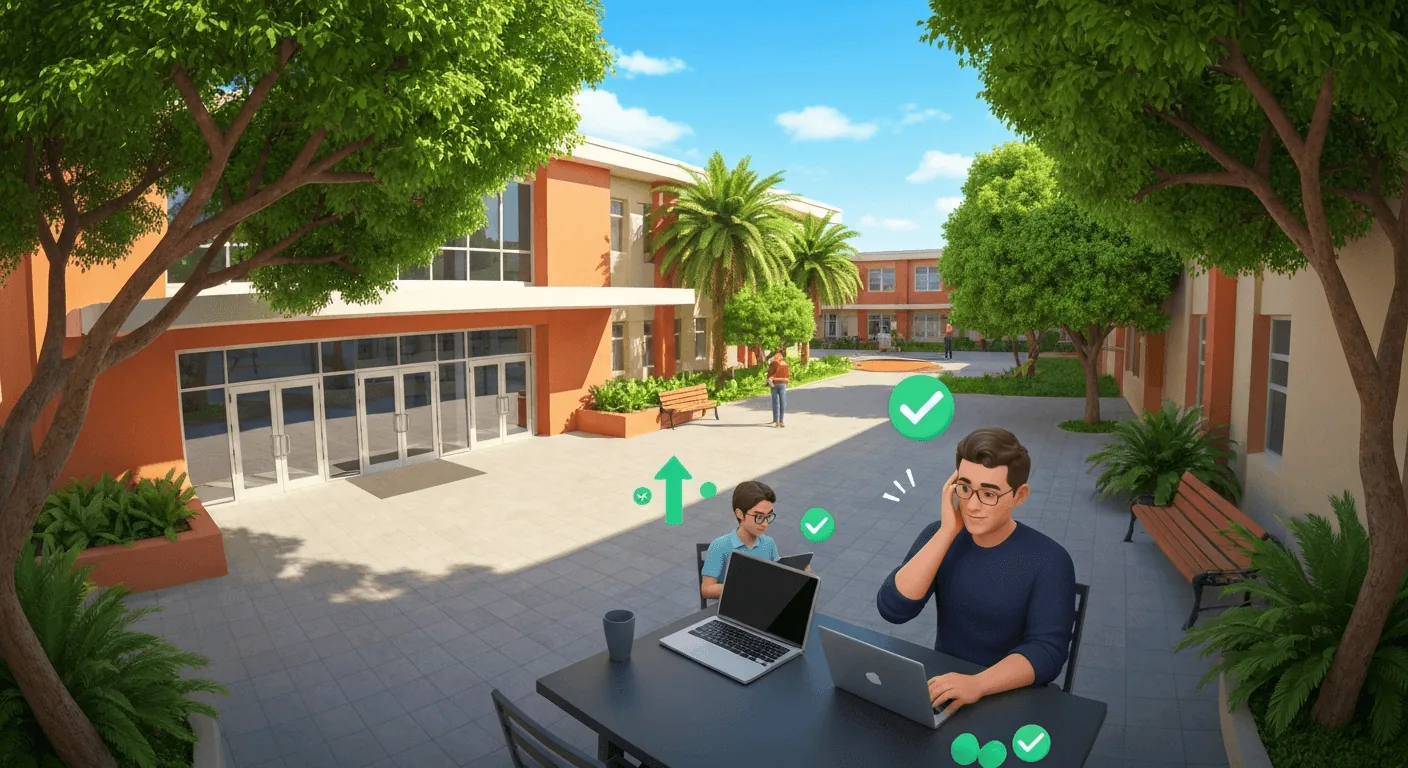
Integrating M-Pesa is not just a technical add-on; it is a strategic upgrade to your organization's financial operations. It aligns your institution with the digital behavior of every Kenyan who uses their phone to manage daily life. The process requires careful planning, the right technical partnership, and a focus on security and user experience. The outcome, however, is a more efficient, secure, and professional organization that saves time, reduces errors, and improves service delivery. For any Kenyan school, hospital, or NGO looking to modernize, connecting your website to M-Pesa is a definitive step forward.
Want to see what this looks like for your organization?
Talk to Us on WhatsApp